Xangle Gallery
The Digital Backbone for Your Art Gallery
Effortlessly manage, sync, and switch entire digital collections across every monitor in your space. Xangle Gallery is the standalone file server designed for seamless art playback.
Xangle Gallery is a File server for your monitors. Display JPG & MP4 files monitors, smartphones & tablets.
Highlights
Zero-Gap Playback: Our MP4 engine ensures perfectly seamless loops. No black frames, no "loading" icons. Just art.
One-Click Curation: Change the mood of your entire gallery instantly. Use Presets to swap content across every screen simultaneously.
Local & Reliable: Runs on your local network. Your high-res files stay local for maximum quality and zero bandwidth lag.
Features
JPG & MP4 support
Perfect seamless looping videos (no bumps!)
Media rotation
Collection management (file upload, orientation)
Devices management (collection assignment, status, name)
Control all media from a computer, a tablet or a smartphone
Master on/off toggle & video sync
Send message on all monitors (identification)
Collection presets (change content on all monitors through presets)
LED control per collection (using our RGBW LED kits)
Works in a web browser (local network), or on a Raspberry Pi (no configuration required!)
The Better Way to Display Digital Art
High-End Display Without the High-End Hassle. Most digital signage software is built for restaurants and airports. Xangle Gallery is built for the curator. We’ve removed the "corporate bloat" to give you a local, high-performance media server that respects the art and your time.
No Proprietary Hardware "Tax"
Stop buying expensive proprietary media players for every screen. Xangle Gallery turns the hardware you already own: smartphones, tablets, laptops, and Smart TVs, into a synchronized art network. If it has a browser and a local connection, it’s part of your gallery.
2. Bulletproof Local Reliability
Cloud-based systems are only as good as your internet connection. If your Wi-Fi blinks during an opening night, your screens shouldn't go dark or show a "Loading..." spinner. Xangle Gallery runs entirely on your Local Area Network (LAN), ensuring high-bitrate 4K playback and instant response times with zero dependency on the outside world.
3. One-Click Curation (Presets)
Changing an exhibition shouldn't take an afternoon of re-uploading files to ten different devices. With our Global Presets, you can swap the content of your entire gallery, LEDs included, with a single click. Move from "Minimalist Morning" to "Immersive Evening" instantly.
4. Pure Visual Fidelity
We know that in art, details matter. Our engine is optimized for:
Perfect Loops: Zero-frame gaps in MP4 playback. No black flickers.
Native Quality: We don't compress your files. What you upload is exactly what hits the screen.
Total Sync: Keep multi-screen installations perfectly timed for a cohesive experience.
Inside the Gallery: Our Real-World Setup
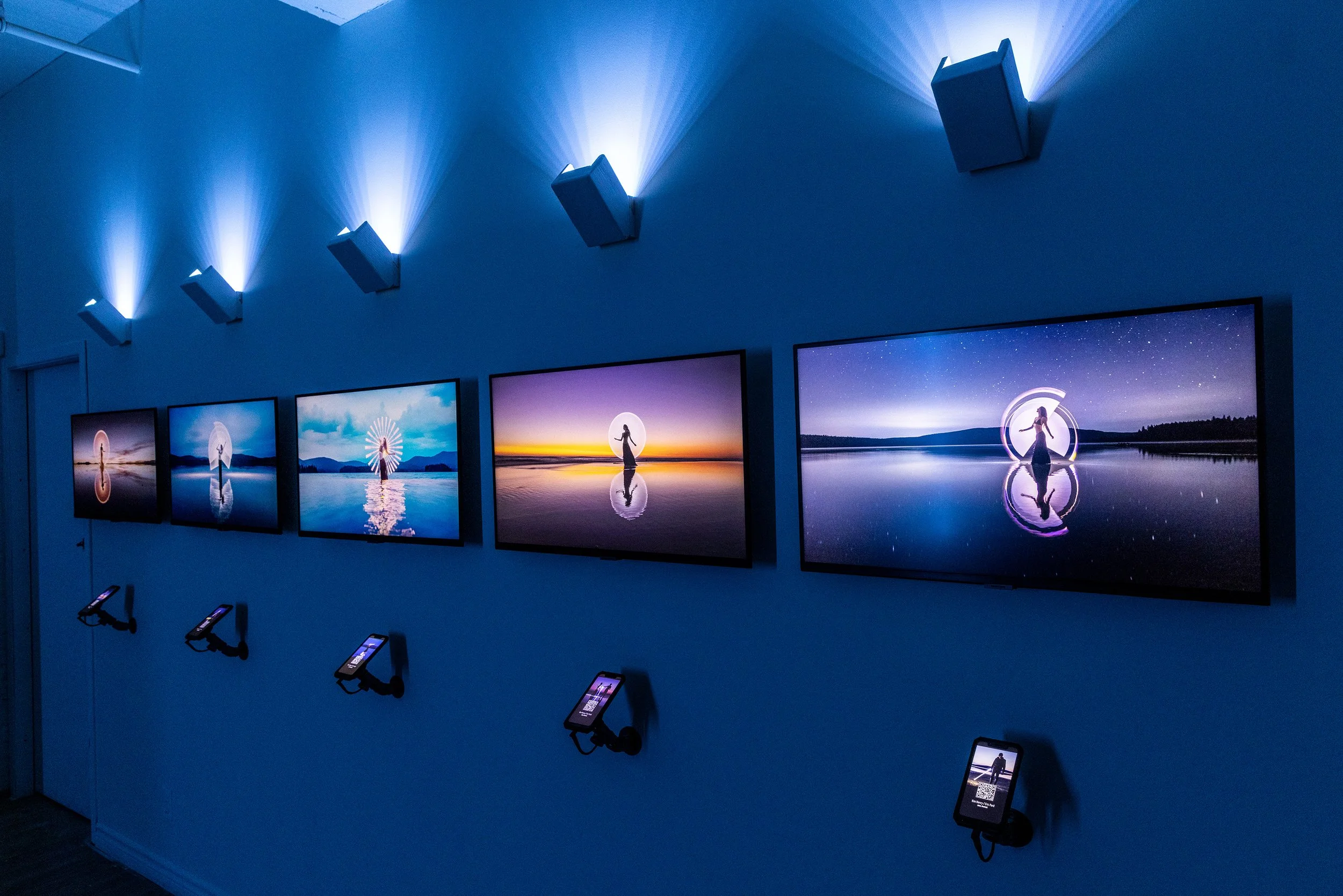
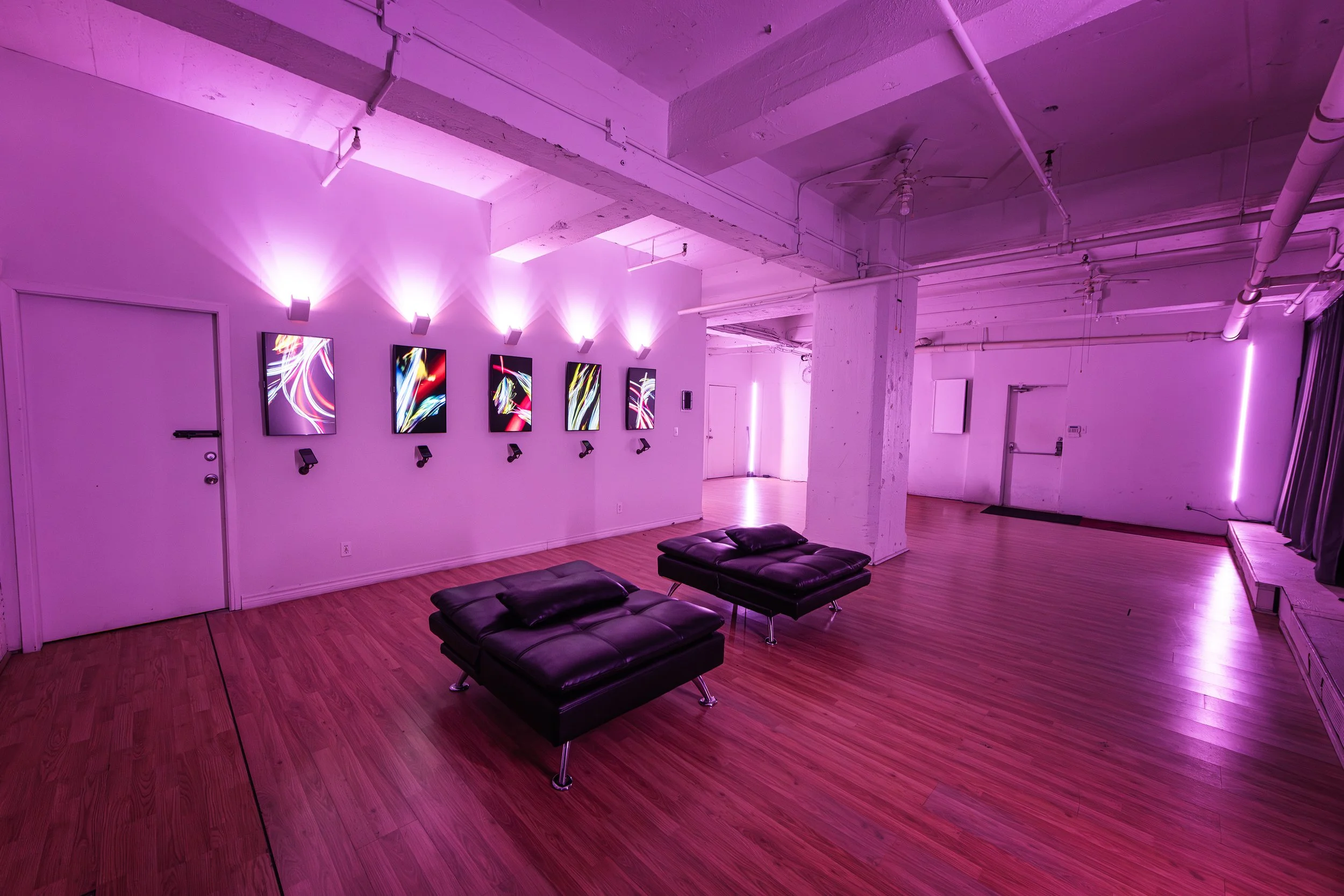
We don’t just build this software; we use it every day to power our own exhibitions. After years of testing different hardware configurations, we’ve found the "sweet spot" for reliability and ease of use.
The Evolution: From Windows to Linux For years, we ran our gallery on Windows-based mini PCs. While powerful, we grew tired of the "Windows tax"—unexpected updates, OS notifications popping up over the art, and the occasional need for a keyboard and mouse to fix a background error.
In mid-2025, we developed a custom, lightweight Raspbian (Linux) mod specifically for Raspberry Pi hardware. The results were a game-changer:
Zero-Maintenance: No update pop-ups, no OS bloat, and no user interaction required.
"Always-On" Stability: Our Pi units have run for months without a single reboot.
Invisible Hardware: The small footprint allows the tech to disappear behind the monitor, keeping the focus entirely on the art.
Easy installation: You just need to flash a microSD card, and it works right away - no configuration required.
Choosing Your Player While our custom Raspberry Pi setup is the ultimate "set it and forget it" solution for standard HD displays, we still recommend Windows mini PCs for installations requiring heavy 4K video bitrates.
Xangle Gallery gives you the flexibility to choose: use Raspberry Pi for unmatched stability, or Windows/Mac for raw 4K power.
What’s required?
One main computer to run the software (Windows 10/11)
Tv screens, computer monitors or projectors (to display NFTs)
One small computer per monitor (see details below)
Local network (wifi or network cables)
Optional: one tablet to show artists details
Optional: one tablet to control the content (via a web browser)
Per-monitor computers
There are many available options, but my favorite one is one small PC per monitor (most flexible option)
Mini-PC: ideal for 4k seamless looping videos.
Mac-Mini
Raspberry Pi (simplest option, but limited to 1080p)
Some monitors have a built-in web browser. These can be used without a computer, but might not give you perfectly looping videos
My current configuration
5x SAMSUNG 32 Inch 4K UHD Monitors https://amzn.to/3PRJlw3
5x Raspberry Pi5
5x Moto G7 Play (under the monitors)
5x LED panels (also controlled by the software)
1x Samsung tablet
1x Surface Pro 3 (running the software)
1x Router
Network cables