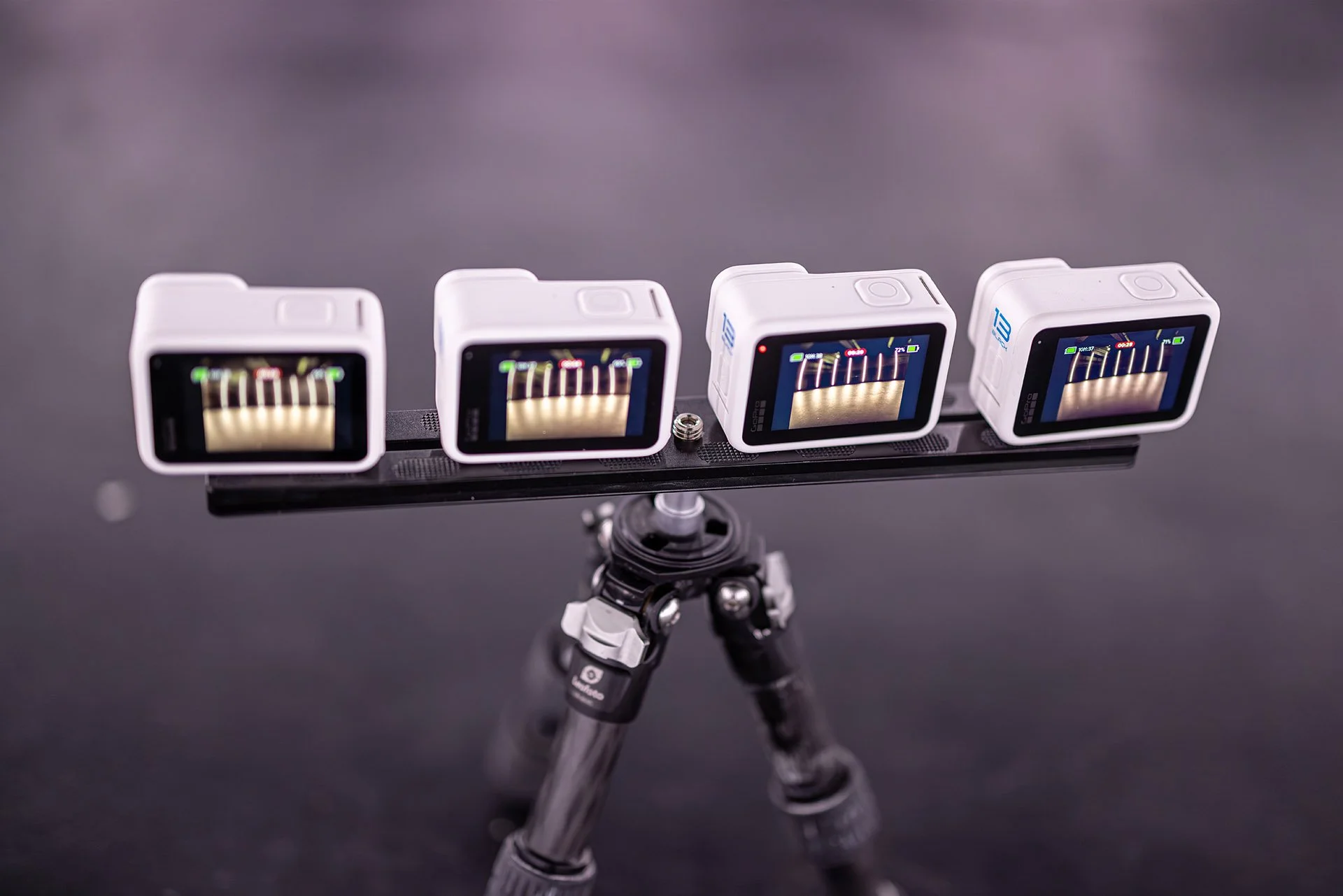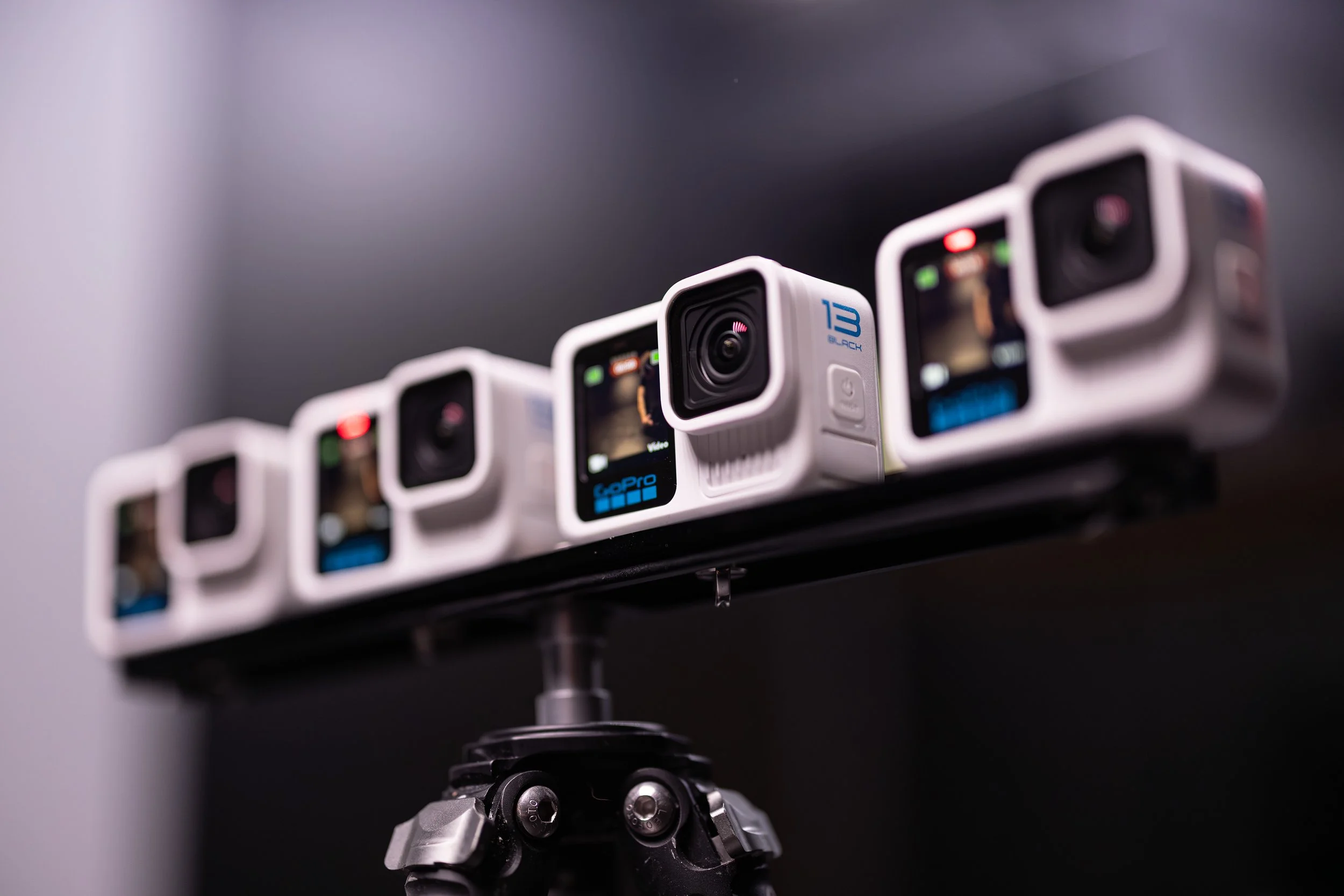
GoPro Multi-Camera Control & Automation
*** CURRENTLY IN BETA MODE - CHECK OUT THE UP TO DATE INFO ON https://doc.xanglecs.com/gopro ***
Control hundreds of cameras using Xangle’s distributed network architecture.
Great for bullet-time, photobooths, gaussian splatting, photogrammetry, industrial / medical applications.
1. Versatile Architecture: Windows or Raspberry Pi
XangleCS is designed to grow with your business. Whether you are starting with a small 6-camera photogrammetry rig or building a massive 500-camera bullet-time structure, our architecture adapts to your needs.
Option A: The Direct USB Setup (Windows)
Ideal for smaller rigs or budget-conscious setups. Connect your GoPros directly to your Windows computer using high-quality USB hubs.
Best for: 6 to 12 cameras.
Simplicity: No networking knowledge required; plug-and-play via USB.
Requirements: High-speed, powered USB 3.0 hubs and a Windows PC with dedicated USB controllers.
Option B: The Distributed Network (Raspberry Pi)
For professional high-count arrays, Xangle leverages a Server-Client architecture. Each group of 4–6 GoPros is connected to a Raspberry Pi "Client." These clients communicate with the Xangle Master Server over a standard Ethernet network.
Best for: 12 to 100+ cameras.
Scaling: Virtually unlimited. To add more cameras, simply add more Raspberry Pis.
Speed: Parallelized file downloading. While one camera is finishing its transfer, the others are already being processed by the server.
Stability: Offloads the USB connections to Raspberry Pis, preventing Windows USB controller bottlenecks.
2. Comprehensive Feature Set
XangleCS is full production suite that automates the "tedious" parts of multi-camera workflows.
Camera Management & Control
Unified Dashboard: Sync settings across the entire array in one click. Change ISO, Shutter Speed, White Balance, and Resolution instantly.
Set the trigger mode from the software: Easily switch from photo to video mode, or use our internal complex trigger system (interval, custom trigger sequences…).
One-Time Easy Numbering: Simply power on your cameras one by one in the physical order of your rig. Xangle detects the sequence automatically and remembers the camera IDs forever. Set it up once, and you’re done for life.
Automated Post-Production
Instant Video Assembly: The software automatically pulls the files, aligns them, and generates a branded MP4 within seconds of the trigger.
Topaz AI Enhancement: Native integration with Topaz Video AI for automated sharpening, denoising, and upscaling to 4K or 8K.
Digital Calibration: Use our linear calibration tool to fix minor physical misalignments in your rig digitally.
3. The Professional Workflow
XangleCS is built for "The Hustle"—fast-paced events where you can’t afford to wait for downloads.
Trigger: Fire the array via a Bluetooth clicker, gamepad, or the Xangle dashboard.
Download: Files are pulled via the Raspberry Pi network in parallel.
Process: Xangle applies your LUTs, watermarks, intros, and background music.
Share: The video appears instantly on a branded Xangle Gallery for guests to scan a QR code or email to themselves.
4. Hardware Requirements & Compatibility
To ensure 100% stability, Xangle CS utilizes a wired connection via GoPro Labs.
5. Advanced Production & Event Modules
XangleCS is a complete ecosystem designed for high-end brand activations and complex studio environments.
Triggering
Go beyond the basic shutter button. Xangle supports triggering via gamepads, Bluetooth presenters, or our open API. If your project requires multiple takes, the Multi-Iteration feature allow you to capture a high volume of content without ever touching the cameras.
Cinematic Output & AI Interpolation
Transform raw GoPro footage into shareable content instantly.
Topaz Video AI Integration: Automatically apply linear interpolation and denoising to your bullet-time sequences for buttery-smooth, high-resolution results.
Dynamic Branding: Auto-apply watermarks, animated overlays, MP4 intros/outros, and background audio.
Multi-Format Export: Generate multiple outputs simultaneously, such as horizontal 16:9 for display monitors and vertical 9:16 for social sharing.
Visual Enhancements: Apply LUTs (color grading) and blending mode overlays like light leaks or textures in real-time.
The Ultimate Guest Experience (Sharing & Replay)
Xangle handles the "last mile" of your activation with a robust, web-based sharing suite.
Touchless Sharing: Use QR codes or a "Selfie Mode" remote to let guests trigger the rig and receive their videos without any physical contact.
Moderator Panel: Manually approve or reject shots before they hit the live gallery.
Offline Mode: Internet down? No problem. Xangle stores all emails and shares locally, then syncs them automatically the moment you're back online.
Custom Branding: Every touchpoint—from the sharing gallery to the email templates—is fully customizable to your client's brand.
Specialized Studio Tools
XangleBoard LED Control: Control RGB LED strips directly from the software to sync your lighting with your trigger.
Chromakey: Real-time green screen removal with support for animated backgrounds.
Studio Library: A web-based media library for your crew to review EXIF data, rate shots, or zoom in for fine-detail quality checks.
Screen Dimmer: Automatically dims connected monitors during exposure to prevent light pollution on your subjects.