Benchmarks
1- Processing time
I’m really obsessed with the performances of our app, and I keep pushing my guys to improve the software as much as possible. There are ways to speed up things by having proper hardware, network configuration and proper settings. Once everything is sorted out, you should get results as fast as what we’ve been measuring here at the studio


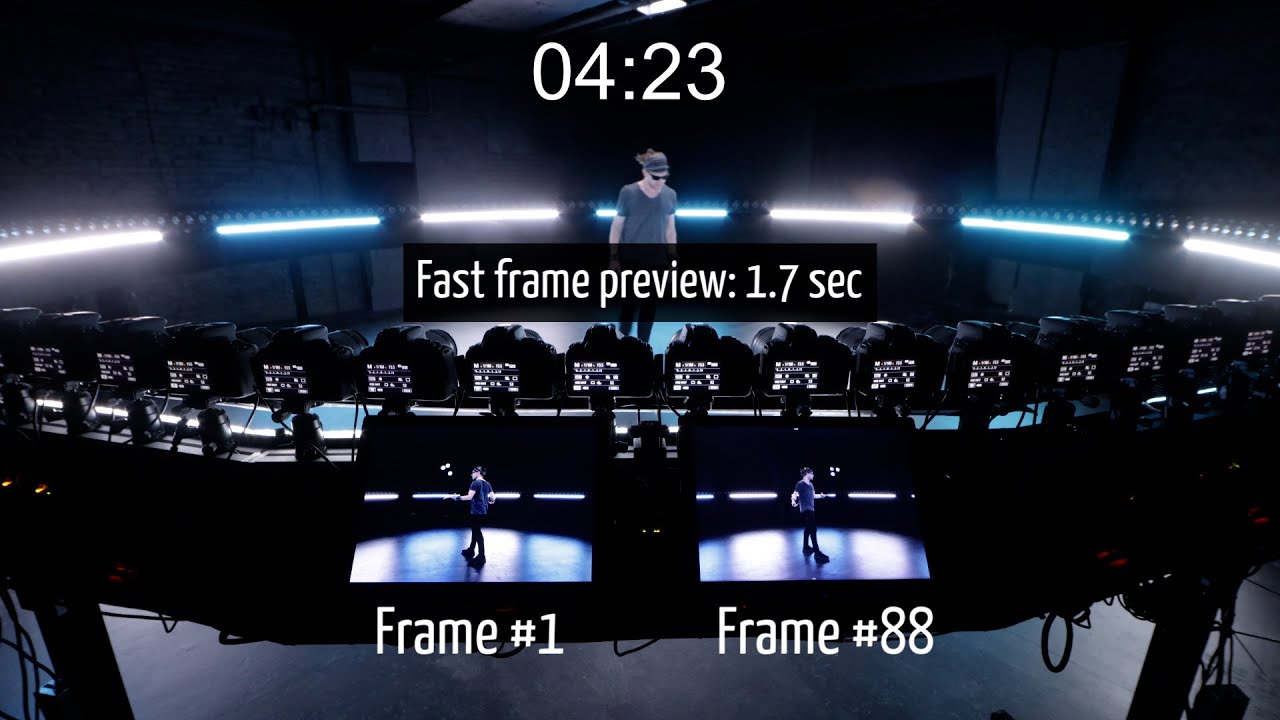
Bullet-time
(time required to download all files, apply digital calibration and render the full mp4 at 1080p, ready to replay and share)
*** Raspberry Pi’s architecture @ 16 cameras: Canon SL2, One Gigabit Switch (no daisy chaining), Raspberry Pi 3b+, Gaming i7 computer from 2017 *** Raspberry Pi’s architecture @ 176 cameras: Canon SL1, One gigabit Switches per two Pis, One 10 gigabit master switch, one USB-C 5GB network card, Raspberry Pi 3b and 3b+ mixed, ASUS Zenbook Pro 16X OLED *** USB hubs architecture: Canon SL2, 7 ports powered usb-hubs, Gaming i7 computer from 2017.
Photogrammetry
85 Canon SL1 connected to 22 Raspberry Pi 3b+
- Raw: 12s (Time required to download all files and extract jpgs)
- Small JPG: 4s
- Large fine: 7s
175 Canon SL1 connected to 44 Raspberry Pi 3b+
- Raw: 24s (Time required to download all files and extract jpgs)

2- Trigger precision (usb triggering)
Starting from version 1.11.0+, USB triggering through Raspberry Pi' computers OR using usb-hubs on a single Windows computer is about the same as using an analog trigger (using the trigger connection port). And that is true even when setting 4 cameras on a single Pi. From our experience, the only precision problem left is about the cameras themselves (mechanical shutter latency lag). Our latest tests have been made using Canon SL1/100d and SL2/200d, and we’re working on various test scenarios to provide you guys with more details.
18x SL2/200D with continuous light (Raspberry Pi architecture)
20x SL1/100D with continuous light (USB-Hub architecture)
176x SL1/100D with continuous light (Raspberry Pi architecture)
