Sony camera control & compatibility
Multi-camera control for Sony
Connect supported Sony cameras over USB and control them together with Xangle Camera Server on Windows or Mac. Build a multi-camera setup for bullet time, photogrammetry, or light-painting, with remote capture, live view, camera settings, and file downloads in one place.
Choose the camera and adapter together. Current Sony support uses Sony Camera Remote SDK-compatible bodies. Older cameras use a separate, experimental Legacy Sony adapter; an older demo is not a compatibility guarantee for a current installation.
The model list and limitations below describe current support. Test your exact camera, firmware, and capture mode before committing to an event.
Capture
Trigger still photos across the array. Start and stop video recording on supported bodies. Available recording modes and formats depend on the camera; RX0 II is photo-only in Camera Server.
Control
Use live view and adjust the controls exposed by the connected body: shutter speed, aperture, ISO, exposure compensation, white balance, image quality, and supported video settings. Not every body or shooting mode exposes every control.
Download
Bring captured files back to Camera Server for review and processing. RAW, JPEG, and video availability depend on the body and selected mode. General browsing of the camera SD card is not supported.
Supported Sony models
These models are listed for the current Sony adapter. Model compatibility does not mean every feature, firmware version, lens, or recording mode has been validated.
Alpha cameras
- Alpha 1 (ILCE-1)
- Alpha 1 II (ILCE-1M2)
- Alpha 6700 (ILCE-6700)
- Alpha 7C (ILCE-7C)
- Alpha 7C II (ILCE-7CM2)
- Alpha 7CR (ILCE-7CR)
- Alpha 7 IV (ILCE-7M4)
- Alpha 7 V (ILCE-7M5)
- Alpha 7R IV (ILCE-7RM4)
- Alpha 7R IV A (ILCE-7RM4A)
- Alpha 7R V (ILCE-7RM5)
- Alpha 7S III (ILCE-7SM3)
- Alpha 9 II (ILCE-9M2)
- Alpha 9 III (ILCE-9M3)
Compact, ZV, and professional cameras
- RX0 II (DSC-RX0M2) - photos only
- RX1R III (DSC-RX1RM3)
- ZV-E1
- ZV-E10 II (ZV-E10M2)
- MPC-2610
- PXW-Z200
- PXW-Z300
- PXW-Z380
RX0 II limitation: still capture and photo download are supported, but recorded video clips remain on the camera SD card and cannot be retrieved by Camera Server over USB. Choose another supported body if video capture and download are required.
What is available on each platform?
Current Sony adapter
Windows and Mac: direct USB camera control for the models listed above, including photos, live view, settings, downloads, and body-dependent video.
Raspberry Pi: the current Sony adapter is not available in the Pi camera-node integration. Do not assume that a body supported over desktop USB can be moved to a Pi node.
Legacy Sony - experimental
A separate adapter is intended for older bodies such as the a6000. It runs on Windows and Raspberry Pi/Linux, not directly on macOS. A Mac running Camera Server can connect to a Pi/Linux node on the same network, but the legacy camera path still needs model-level hardware validation.
Do not plan on legacy video recording. Photo capture, settings, live view, RAW handling, downloads, and reconnect behavior need testing on the actual camera and installed release. The original a6400, ZV-1, and ZV-E10 demos below document earlier experiments, not the current adapter model list.
Prepare the cameras
Camera settings
- Complete first-boot prompts, including language, date, time, and connection prompts.
- Select M (manual exposure).
- Set Focus Area to Center and keep AF w/shutter enabled.
- Turn Control with Smartphone off and PC Remote on.
- Turn Long Exposure NR, High ISO NR, SteadyShot, and DRO off.
- Enable the framing grid, then power the camera off and on after saving the settings.
Menu names vary by body and firmware.
Connect and test
Use USB data cables and adequately powered hubs, with stable camera power for long sessions. Close other camera-control applications before connecting to Camera Server.
Confirm that every camera appears, check live view and the settings you need, then trigger a complete capture and verify that every expected file downloads. Repeat the test with the actual hub layout, exposure settings, lighting, and recording format you will use on the rig.
From the original Sony tests
These clips show six Sony a6400 cameras in a 2021 multi-camera setup. They illustrate USB triggering and long-exposure light-painting, not a promise of current legacy compatibility or shutter accuracy.
Read the complete original tests, videos, photos, and notes - September 14, 2021.
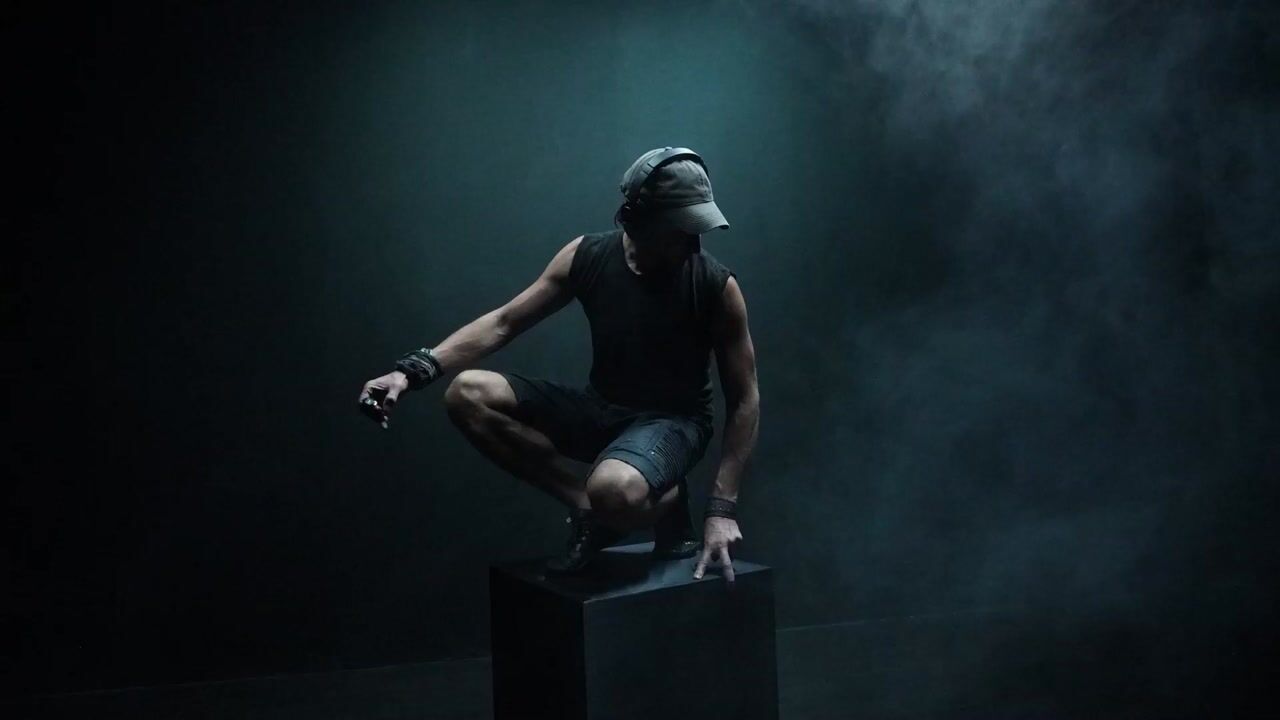
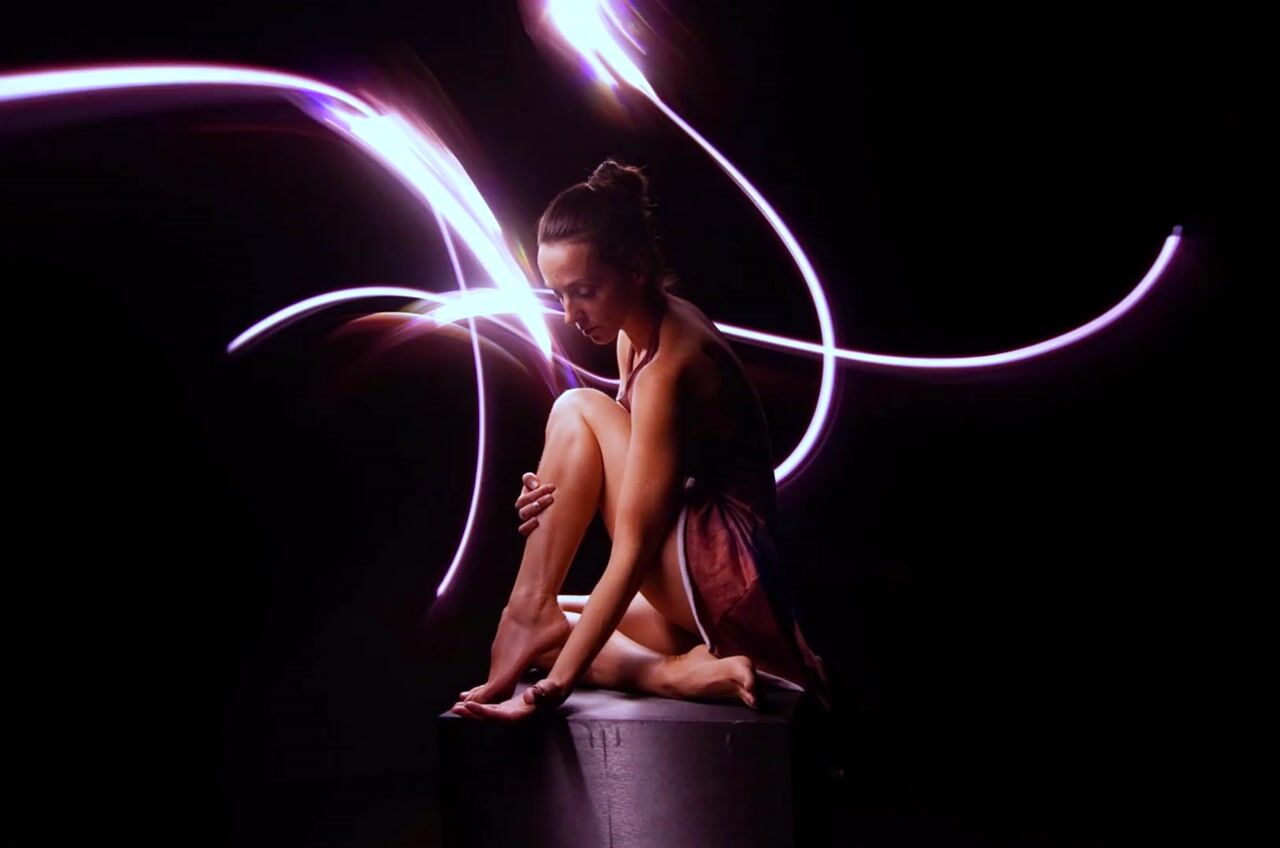
Left: six Sony a6400 cameras. Right: six-second long-exposure light-painting from the same early experiments. See the original post for the complete captions and test conditions.
Sony multi-camera FAQ
Can I build a bullet-time rig with Sony cameras?
Yes. Supported Sony cameras can capture multiple viewpoints through Camera Server for bullet-time sequences and other multi-camera projects. Test the exact body, firmware, lighting, USB setup, and trigger method. A successful still-subject test does not establish timing performance for fast motion.
Do all Sony Alpha cameras use the same adapter?
No. The current Sony adapter supports the models listed above and runs over direct USB on Windows or Mac. Older bodies use a separate experimental Legacy Sony adapter. An older demonstration, including one made with a different Sony model, is not a compatibility guarantee for the current adapter.
Can I record video with Sony cameras?
The current adapter supports body-dependent video on compatible models. RX0 II is photo-only in Camera Server: captured photos can be downloaded, but recorded video clips remain on the camera SD card and cannot be retrieved over USB. Test recording, stopping, download, and playback on the chosen body before committing to a video project.
Can I connect Sony cameras to Raspberry Pi nodes?
The current Sony adapter is not available in the Raspberry Pi camera-node integration. Legacy Sony can use Windows or Raspberry Pi / Linux, but that path remains experimental and needs exact-camera validation. A Mac can reach a Legacy Sony camera through a suitable Pi / Linux node on the same network; that does not make the current Sony adapter available on Pi.
Can I mix Sony camera models in an array?
Use only models supported by the chosen adapter and test the complete combination. Different bodies can expose different settings, formats, video modes, and timing behavior. Match lenses and supported capture settings where possible, then compare framing, color, sharpness, and motion across the downloaded dataset.
Can Sony cameras capture photogrammetry or Gaussian-splat datasets?
Yes, supported cameras can acquire overlapping images for reconstruction. Use sufficient coverage and consistent lighting, focus, exposure, and white balance. For moving subjects, measure capture alignment on the actual rig. Reconstruction quality and available processing depend on the dataset, processor, platform, and license, not just camera compatibility.
Plan your Sony rig
Start with the exact camera model, firmware, operating system, camera count, and photo or video requirements. Verify the adapter and the features you need before purchasing a full array.