3D Gaussian splat
3D Gaussian splatting turns overlapping photographs into a scene that can be viewed from new angles. Instead of building the visible surface only from a textured polygon mesh, it represents appearance with many small, oriented Gaussian elements. This makes it a useful approach for photographic portraits, captured spaces and creative camera moves through a reconstructed scene.
This showcase brings together examples from the Xangle team and Xangle Camera Server users. Multi-camera capture is particularly useful for people and other subjects that cannot hold exactly the same pose while a single camera moves around them: several viewpoints can be recorded during one capture.
Explore 3D Gaussian splat examples
Watch the demonstrations below for different capture arrangements and presentation styles. A finished video shows one selected path through a reconstruction; the quality of other viewpoints depends on the coverage and source images.
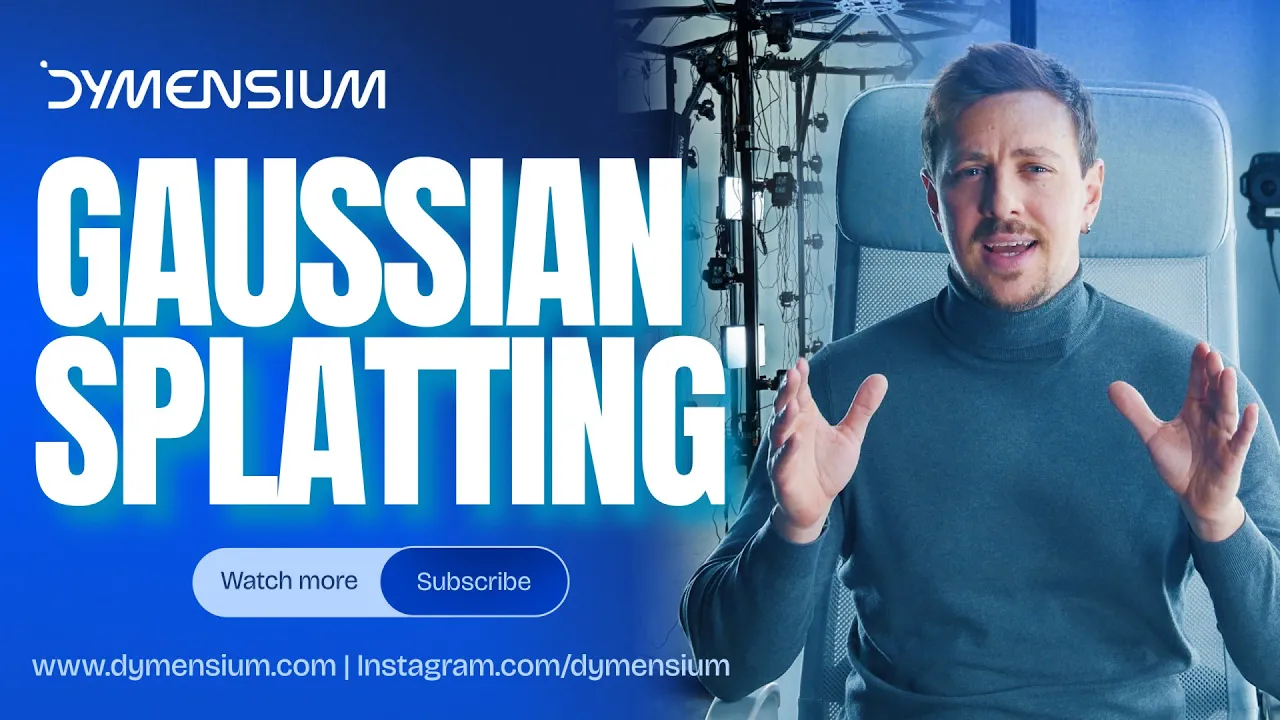
From multi-camera photographs to a Gaussian splat
Capture sharp, overlapping views
Place cameras so neighbouring views share enough visible detail to describe the subject. Consistent focus, exposure and lighting help the reconstruction, while cameras at different heights can improve coverage beyond a single horizontal ring. More cameras do not automatically mean a better splat: placement and image quality matter.
With a person in the rig, timing matters too. If cameras record different poses, the reconstruction receives conflicting information. Test the complete array with the kind of movement expected in the session rather than relying on a general synchronization claim.
Calibrate and train the scene
XangleCS can organize the captured dataset and run supported Gaussian-splat processing. Training uses camera calibration rather than a stabilized bullet-time video. Choose a calibration source that matches the rig, and check the reconstructed scene before committing to a final camera move.
Available processing options depend on the platform, license, installed engines and hardware. Training and rendering times vary with image count, input resolution and quality settings; a fast demonstration on one computer is not a guaranteed turnaround time on another.
Design the result, not just the reconstruction
A virtual camera path turns a reconstructed subject into a presentation. Use framing, anchors, keyframes and easing to build an orbit, reveal or close-up that stays within the useful captured area. Presets can make a repeated booth or studio setup more consistent without forcing every subject into the same composition.
Supported outputs include rendered MP4 videos, image sequences and PLY splat files for compatible tools. Choose a rendered video for straightforward playback, or a compatible splat format when the next stage needs an explorable scene.
Gaussian splatting versus photogrammetry
Gaussian splatting is useful when the goal is a photographic view of a captured scene. Mesh-based photogrammetry is often the better starting point when a project requires editable surfaces, retopology, UV textures, measurements or a printable model. Neither technique guarantees accuracy just because the result looks realistic.
Reflections, transparent materials, fine hair, motion blur and unseen surfaces can still cause artifacts. A splat does not guarantee perfect lighting, faithful reflections from every angle or sub-millimeter geometry. Evaluate the result against the actual delivery requirement.
Compare the photogrammetry showcase, explore 4D capture and motion, or see the studio capture features for tools that connect the capture to a finished output.