Creating Gaussian splat using a single camera in Xangle Orbit
November 11, 2026
I took 70 photos around Kim with a single Canon R5 in burst mode. The capture took about 30 seconds. Back in the studio, I imported the photos into Orbit and turned them into a 3D Gaussian splat with a looping camera move and a particle reveal.
In this video, I answer questions about the original clip and show how I calibrated the images, trained the splat, and built the animation.
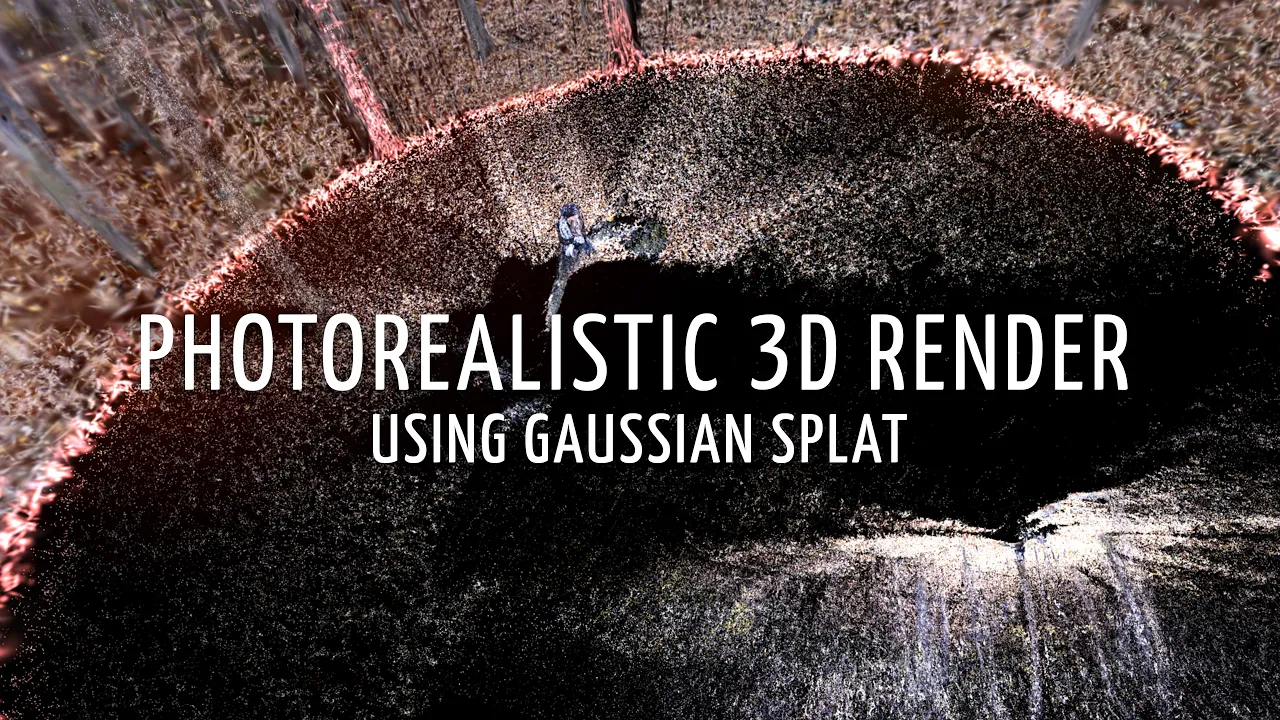
Watch the Orbit tutorial on YouTube.
Capture the photos
Kim stayed still while I walked around her and took the photos. My approach was a little goofy and experimental, but it gave Orbit a set of views to work with.
The 30 seconds refers to capturing the photos. Calibration, training, and editing the animation took additional time. The 70-photo count is what I used for this example, not a requirement for every scene.
Import and calibrate in Orbit
I dropped the photos into Orbit, which created a dataset. The next step was calibration: estimating where the camera was for each photo.
I selected the 3D layout and used RealityScan to calculate the camera positions and a sparse point cloud. In this example, calibration took about 1 minute and 10 seconds. One camera position looked incorrect, but the result was good enough for this demonstration, so I left it in place.
Orbit offers other calibration options too. Whatever method you use, inspect the camera positions and point cloud before training. The photos need enough overlapping detail for the calibration to connect the views.
Train the splat and explore the scene
For this example, I trained the splat with Spirula. Orbit also offers other processors, including Postshot and FlowEngine where available. A lower-quality test can help you check the result before spending more time on training.
Once the splat is ready, you can move a virtual camera through the scene. The result is most reliable near the viewpoints covered by the original photos. I also showed how to use the same splat for both a 16:9 video and a vertical 9:16 version, adjusting the framing for each.
Build the loop and particle reveal
Orbit makes the calibrated camera positions available as anchors in the Splat Player. A timeline keyframe can use one of those positions as a starting point, with adjustments to the virtual camera's movement and framing.
For this loop, I used the first camera as an anchor and adjusted the rotation, dolly, and focal settings between keyframes. I also duplicated the main splat to create the particle and burst layers. Those layers use different rendering settings but come from the same capture.
The circular reveal comes from a spherical crop animated on the timeline. As the crop changes, the view transitions from the particles to the main splat. In the video, I show the layers, the crop, and the camera keyframes.
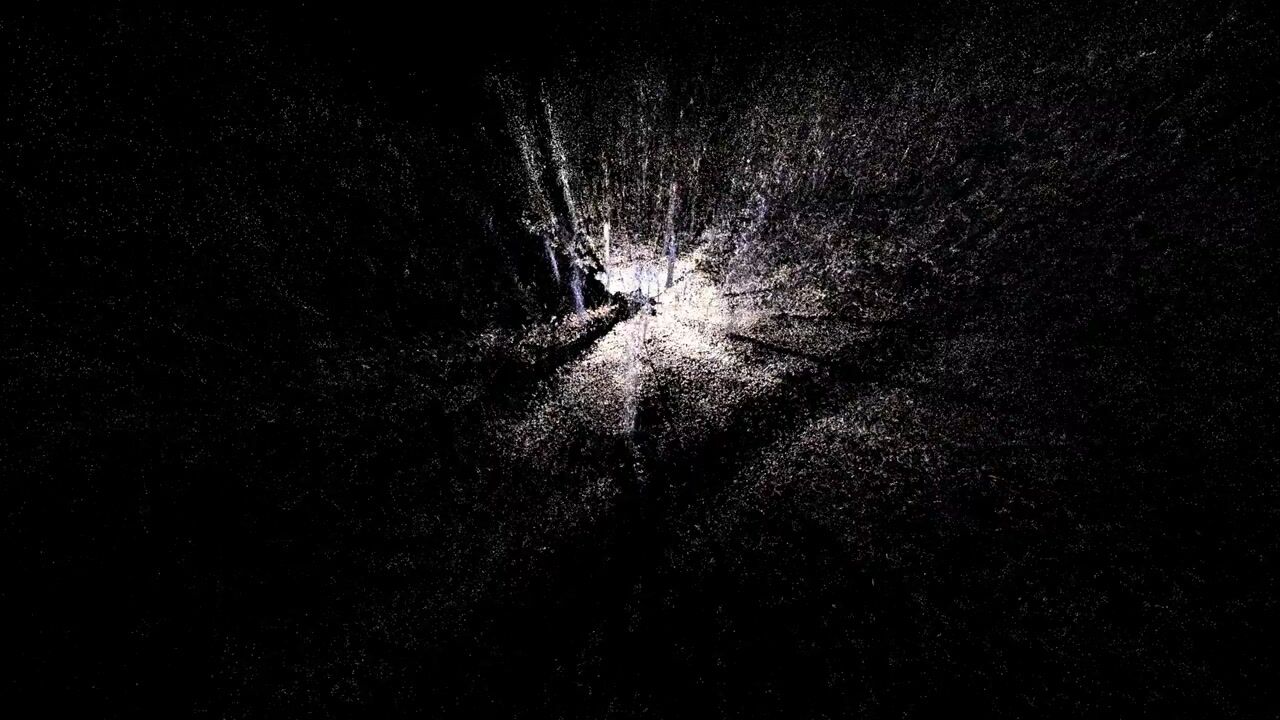
4k - 16:9 - perfect loop - final art piece
Do you need Orbit to make a Gaussian splat?
No. Xangle Orbit is not required to create a Gaussian splat. It simplifies a desktop process that you can also do manually with a stack such as RealityScan → Spirula → After Effects → Irrealix. Orbit helps automate camera positioning and makes it easier to play back and animate the result.
Smartphone alternatives
You can also create Gaussian splats with a smartphone, using apps that simplify capture and processing. This isn't my usual approach, but these options are available:
- KIRI Engine: Capture a scene on your phone and turn video into a Gaussian splat. It also offers other scanning modes for creating 3D models.
- Scaniverse: Scan a scene with your phone, create a splat, and edit or share it. The iPhone app processes splats on the device, while features can vary by platform.
- Polycam: Create splats from photos or video, edit and explore the result, and generate a downloadable mesh.
Questions from the original video
What camera did you use?
A Canon R5 in burst mode. I took 70 photos while moving around Kim.
Why didn't she open her eyes at the end?
With one camera moving around the subject, the images are taken at different moments. If Kim opened her eyes only for the last photo, I would have just one view of her with open eyes, which would not match the other images. A synchronized multi-camera capture is a different setup.
How long did the render take?
This example took about five minutes. Processing time depends on the processor, hardware, image size, and quality settings. The 30-second figure in the original clip was the photo capture time.
How did you make the leaves pop out?
They are Gaussian splat particles, not leaves. I duplicated the main splat, changed the layer's rendering settings, and used a spherical crop to transition between the particle layer and the subject.
Is this DaVinci Resolve?
No. The calibration, splat, and animation shown in the tutorial are handled through Orbit, with RealityScan used for calibration and Spirula used for training in this example.
Where can I find Orbit?
You can find Orbit at xangleapps.com/orbit. I work on the Xangle software: we build these tools for our own projects and make them available to others.