Bullet-time experiences and photobooths: from 6 to 84 cameras
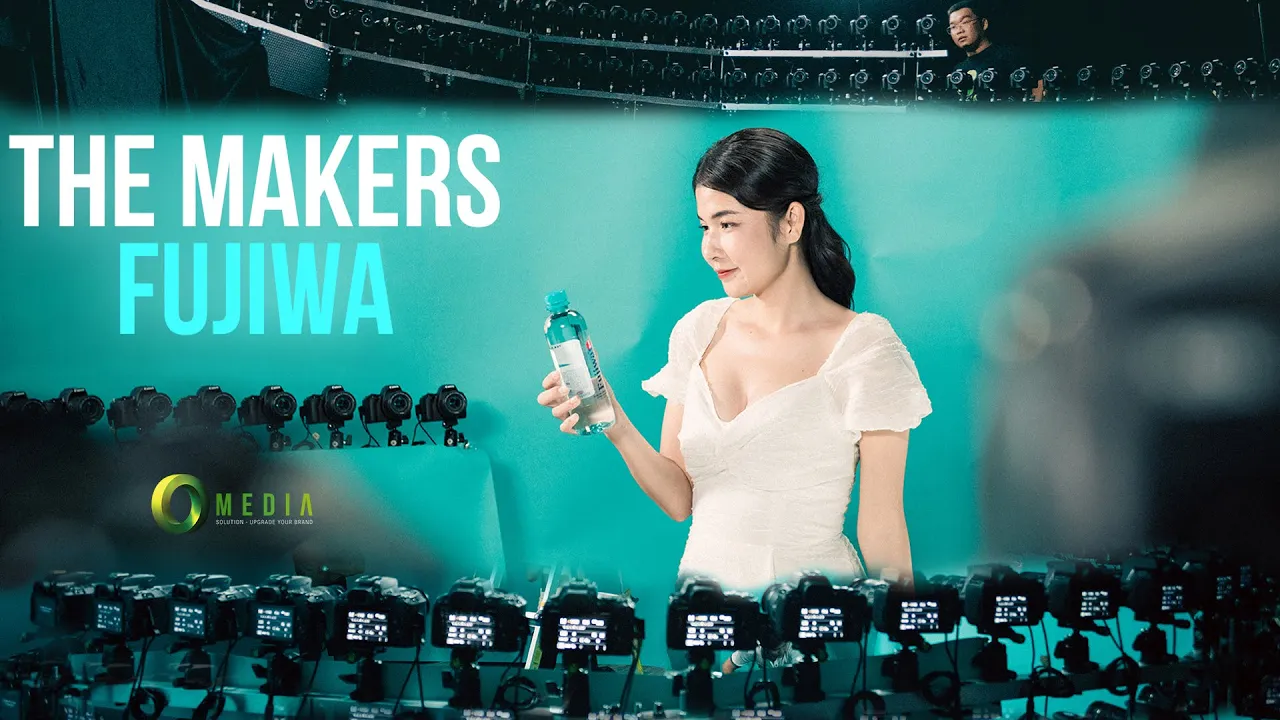
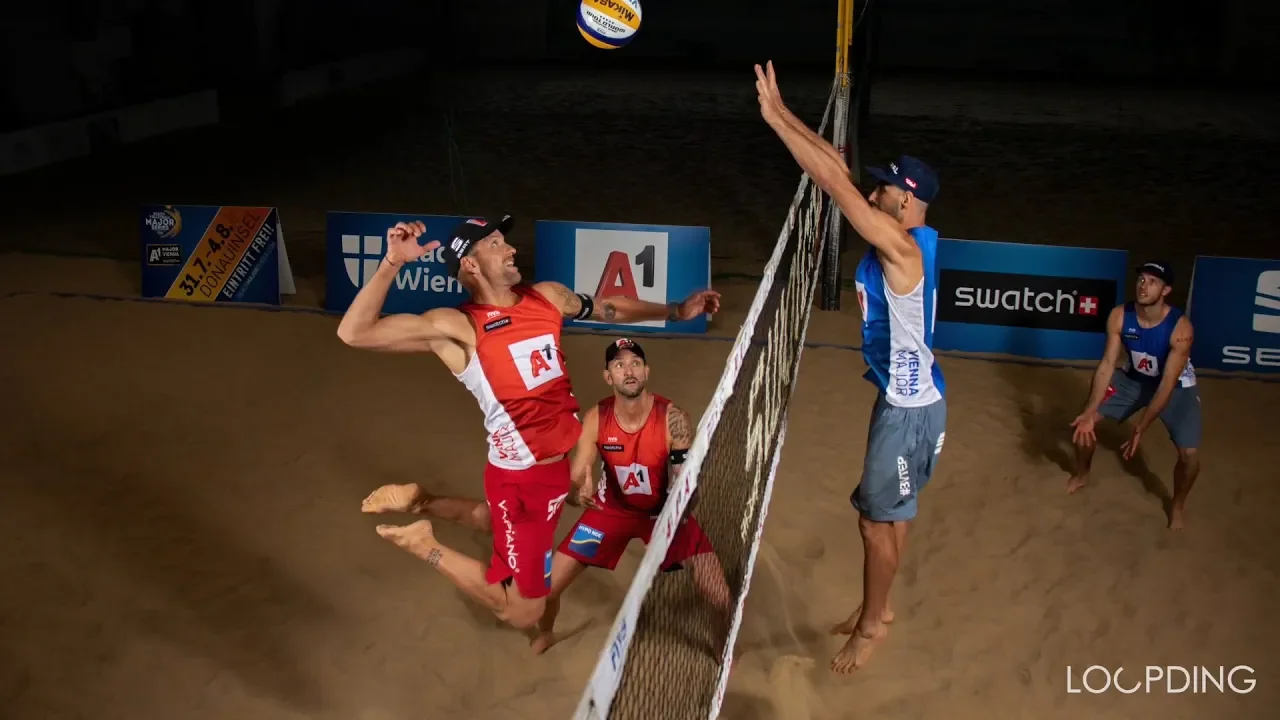
A bullet-time photobooth turns a short guest interaction into a video with a moving viewpoint. Instead of asking one camera to travel around a person, a multi-camera array captures several angles and combines them into a sequence. The result can freeze a jump, follow a pose around an arc or mix a camera move with action.
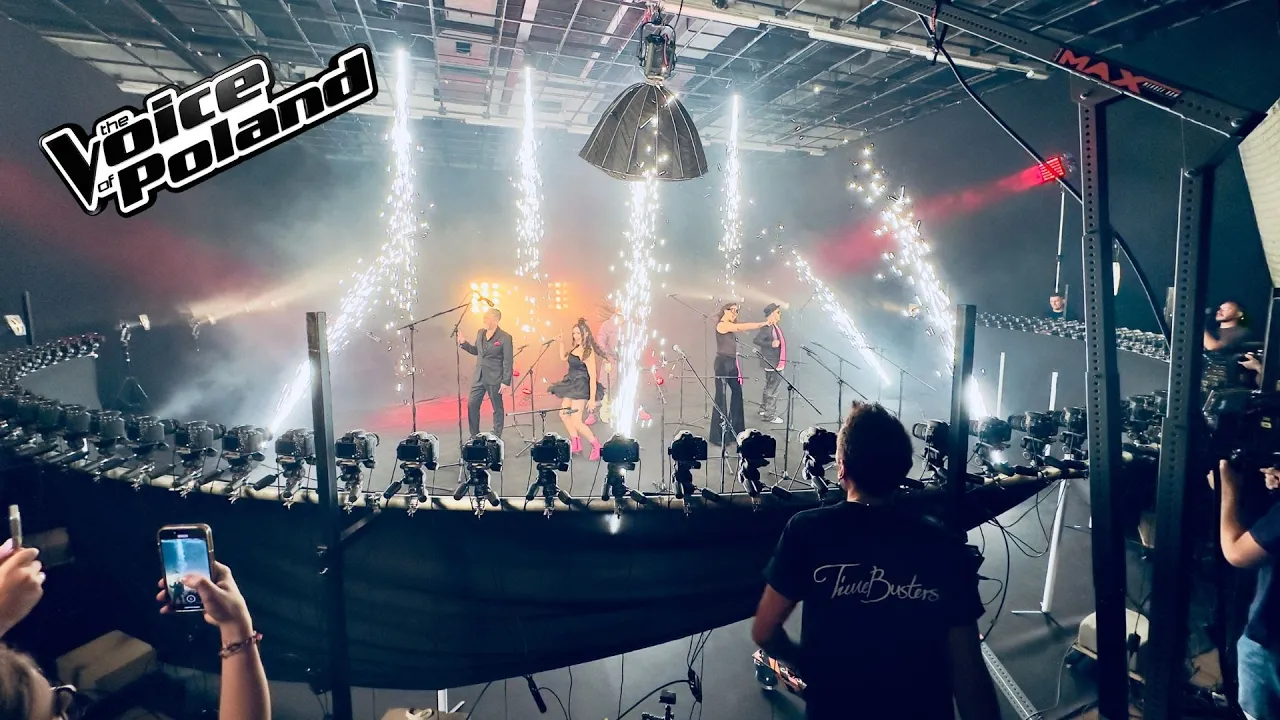
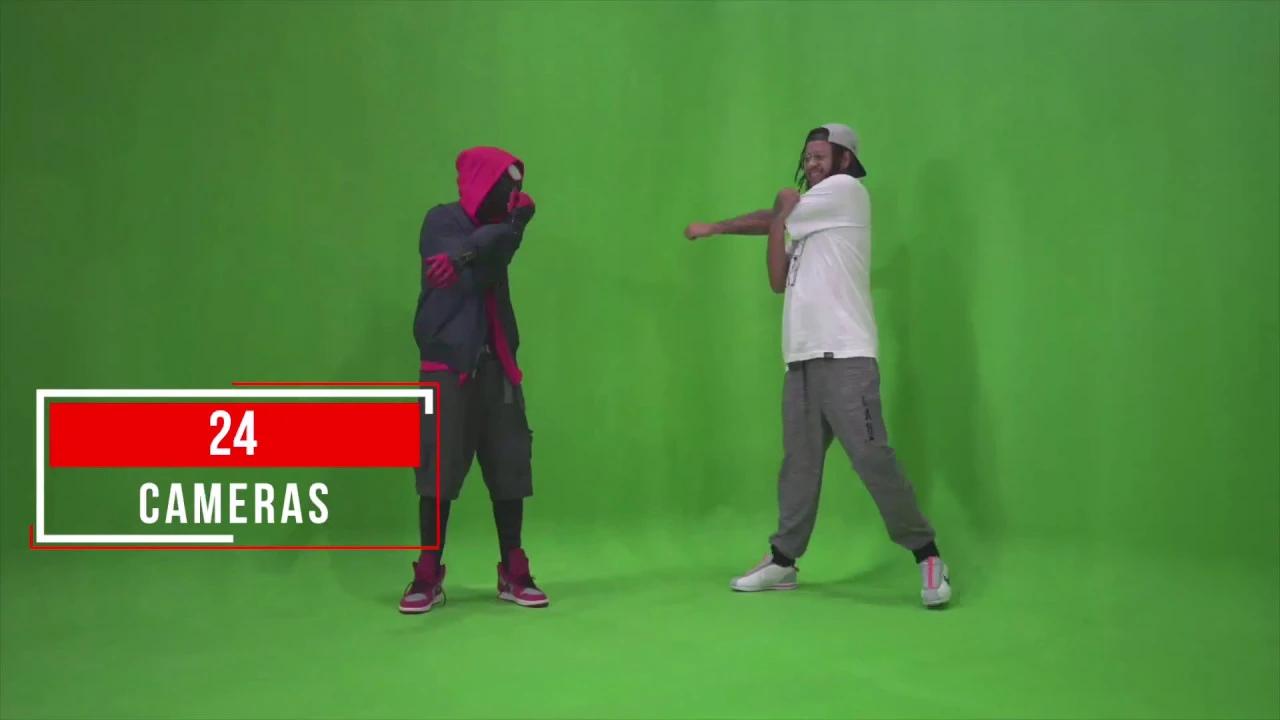
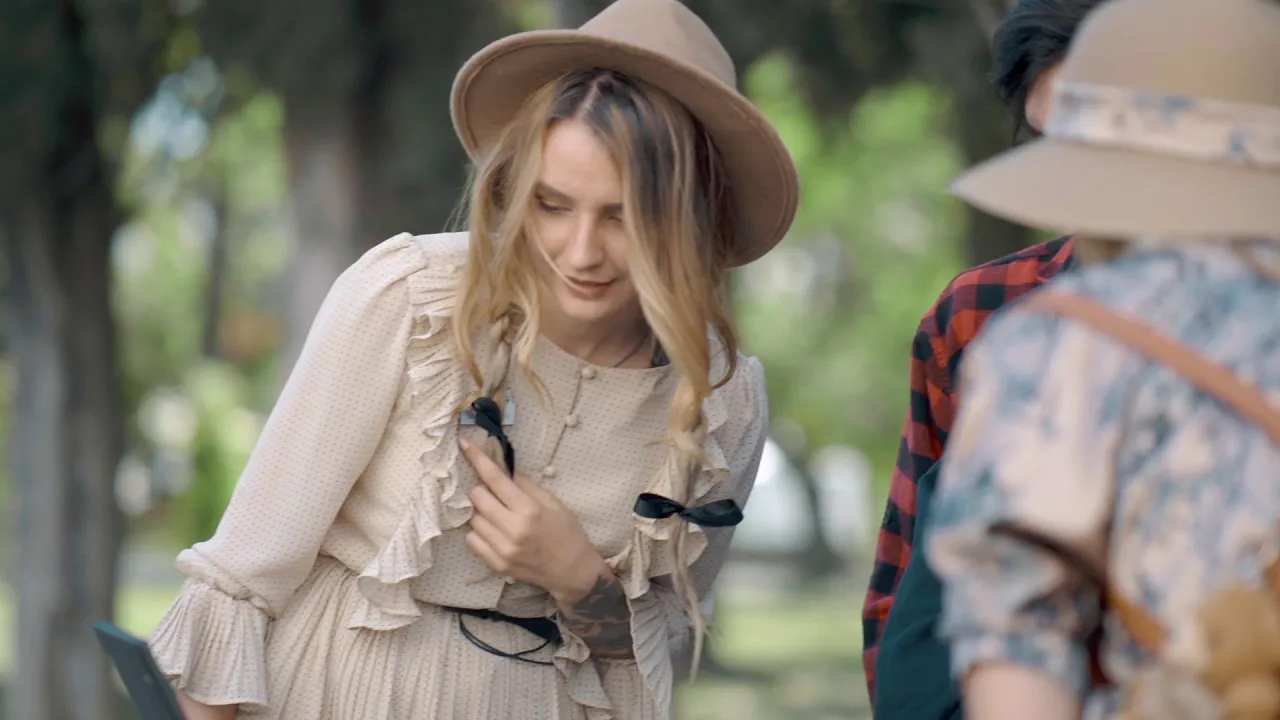
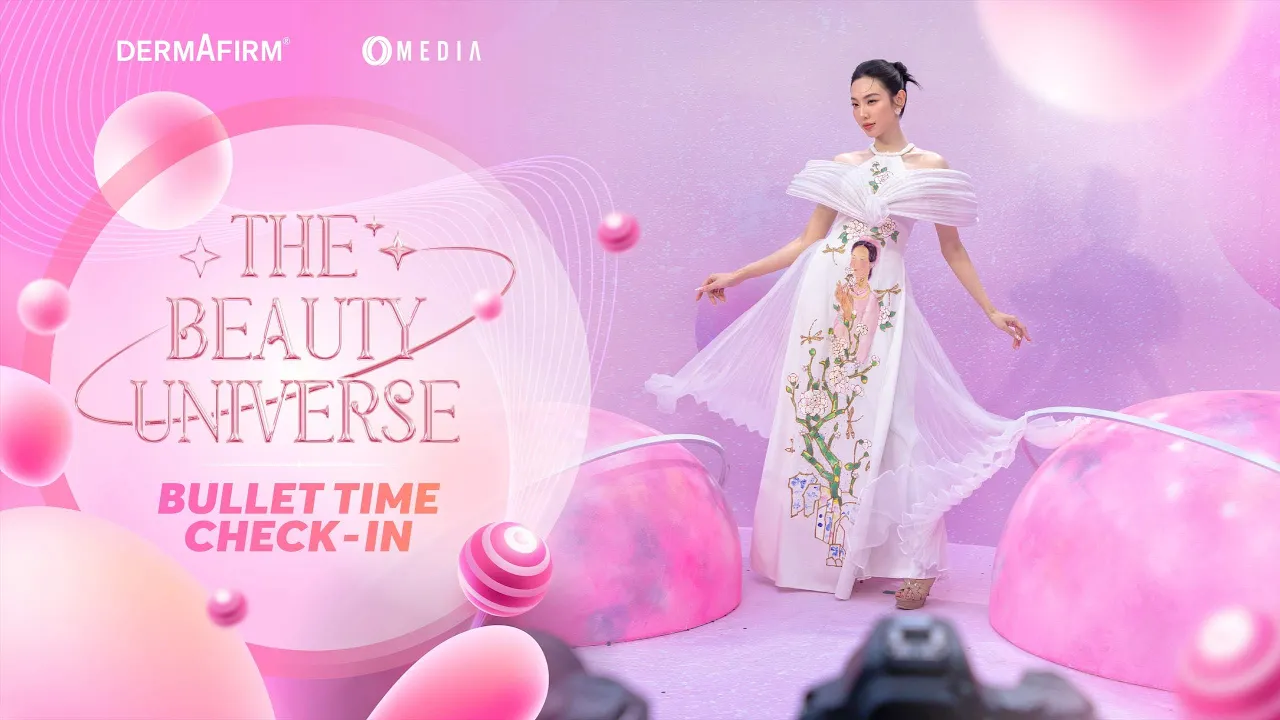
This showcase features bullet-time experiences created by Xangle Camera Server users. Explore portable rigs, larger event installations, green-screen scenes and light-painting experiments. The examples show how operators adapt the same multi-camera idea to different venues, audiences and visual identities.
Real bullet-time photobooths and branded activations
Browse the community examples below for camera layouts, lighting ideas and finished clips. They are useful starting points for planning an event experience, not fixed templates or guaranteed results.
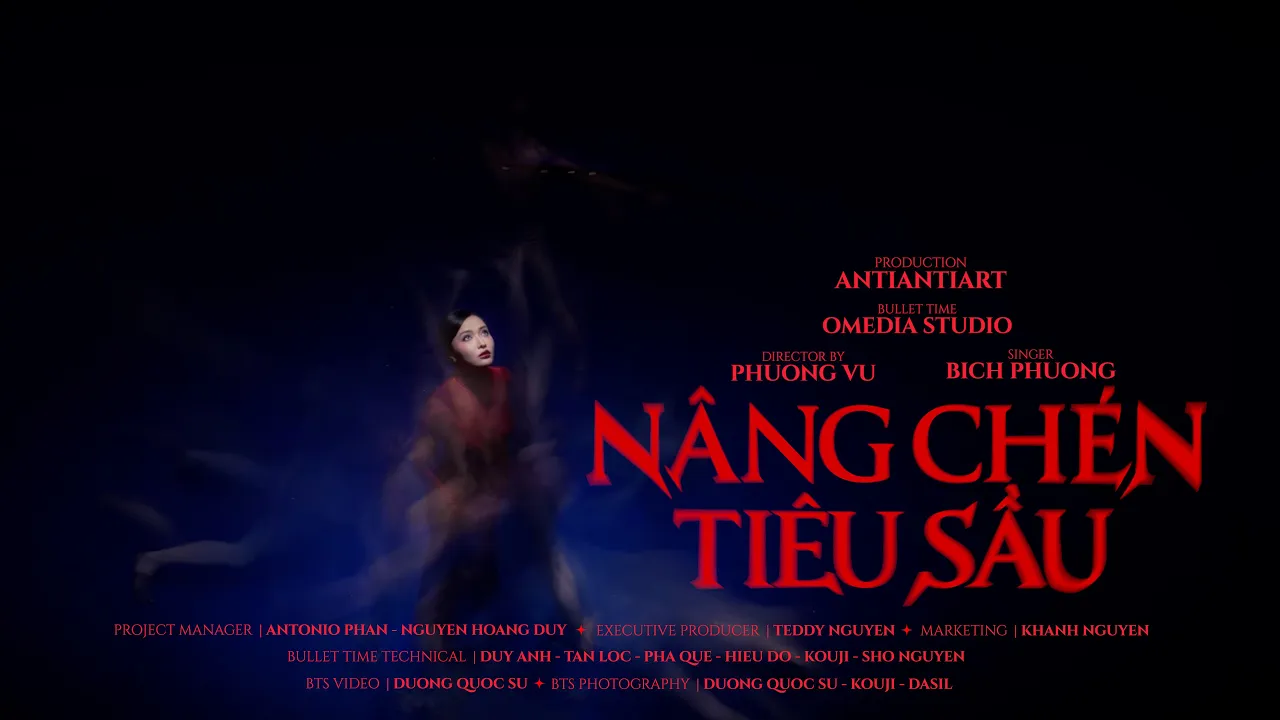
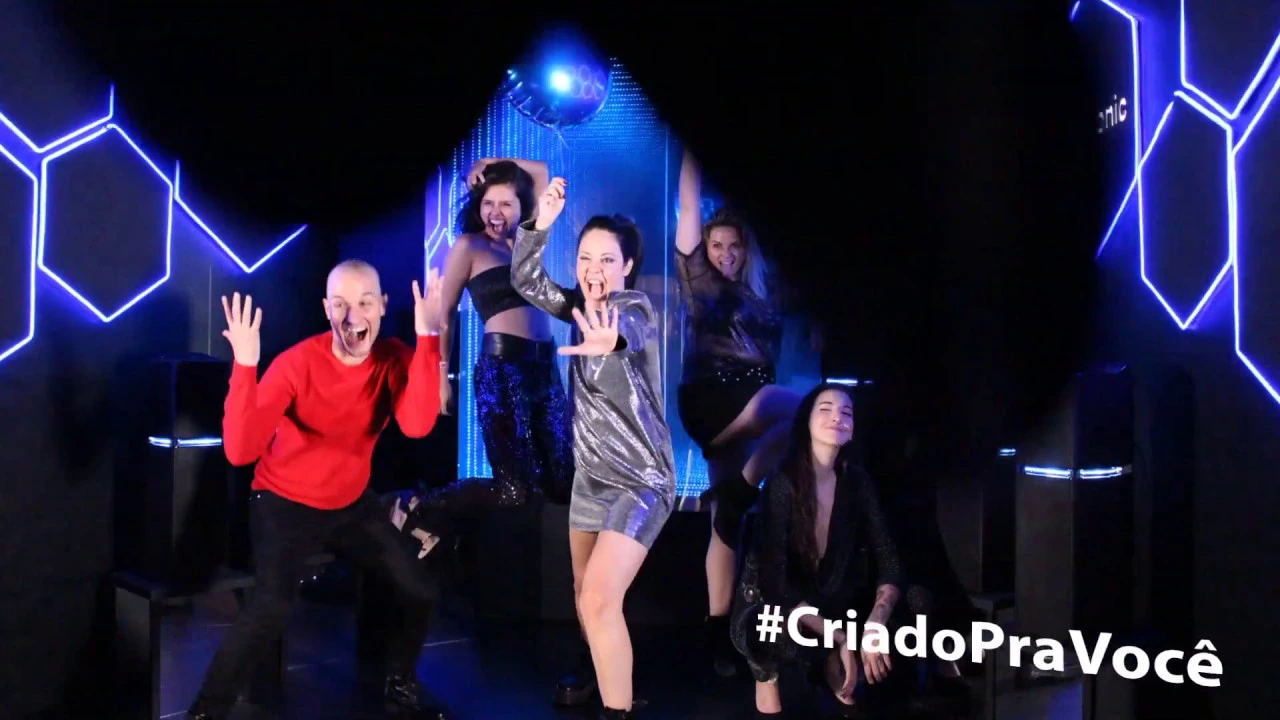
From a guest interaction to a shareable clip
A successful bullet-time activation needs more than a dramatic camera array. Guests need a clear place to stand, an understandable countdown and a simple action they can repeat. Operators need to check the capture, prepare the output and keep the next group moving.
XangleCS brings supported camera control, capture, review and output preparation into one system. Depending on the setup and license, a prepared result can be delivered through QR codes, direct downloads or email. Processing and delivery time depend on the number of cameras, chosen effects, output settings, computer and network.
Creative directions for an event booth
Jump-and-freeze and moving poses
A jump, a dance move or a group pose gives the camera move something to reveal. Simultaneous exposures create the frozen-moment effect; interval capture introduces changes in the action between viewpoints. Test timing with the actual cameras and lighting, especially when photographing fast movement.
Light painting and studio lighting
Long exposures and controlled light can add trails around a guest, while strobes can help define the subject. The gallery includes examples that combine these techniques. Lighting design, exposure settings and camera timing need to work together; software alone cannot compensate for an unsuitable lighting setup.
Green screen and event branding
Green-screen backgrounds, animated overlays and watermarks can connect the clip to a campaign or venue. Leave room in the framing for the subject, graphics and intended social format. Consistent lighting and separation from the background make compositing easier.
Choosing the right multi-camera installation
A compact arc and a larger surrounding rig offer different viewpoints and require different amounts of venue space. Camera count is only one decision: power, safe mounting, guest access, background, lighting, USB or network layout and the operator position also matter. Run a complete capture-to-delivery test before opening the booth.
For venues with unreliable internet, supported offline QR sharing provides local downloads when the sharing computer and guest phones are on the same configured network. Cloud links and email delivery need connectivity.
Explore bullet-time photobooth features and the supported-camera guide to plan your setup. For music videos, advertising and larger crew-led shoots, visit the bullet-time productions showcase.